
Apps you will need
• PicsArt
• Meitu
STEP 1
Collecting pictures
Go to google and search up a color that you like and with ‘aesthetics’ or ‘tumbler’ or ‘PicsArt’ at the end, example;
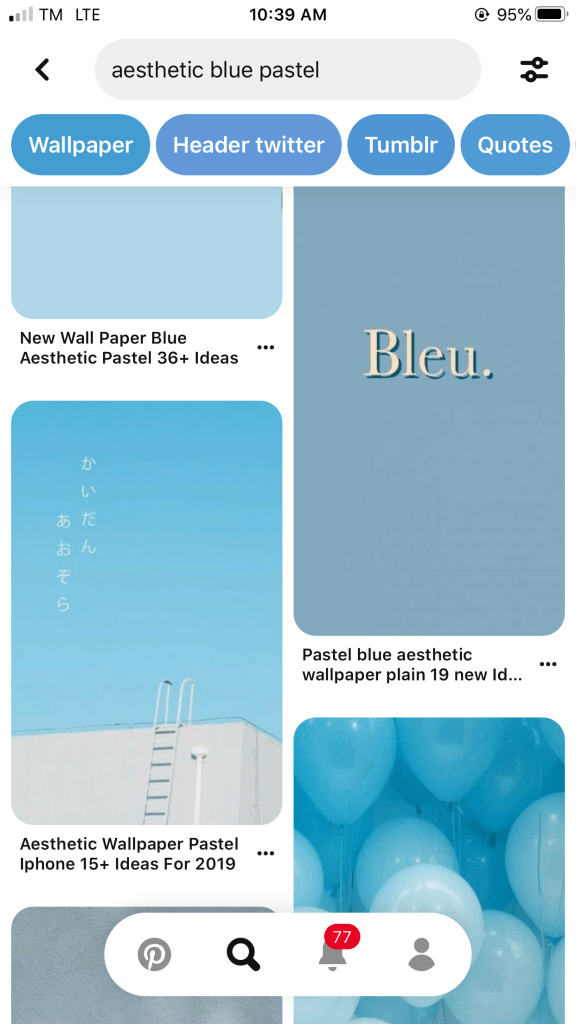
After youve chose around 9 or more
STEP 2
Making a College
Once you’ve chose these, open picsart and press the ‘+’ at the bottom and select collage, then grid or free style. It will ask you to select the photos you want so select the 9 you chose, then select which layout you would like, next press border which will be set at 4, so put it to 0

STEP 3
Adding Pictures
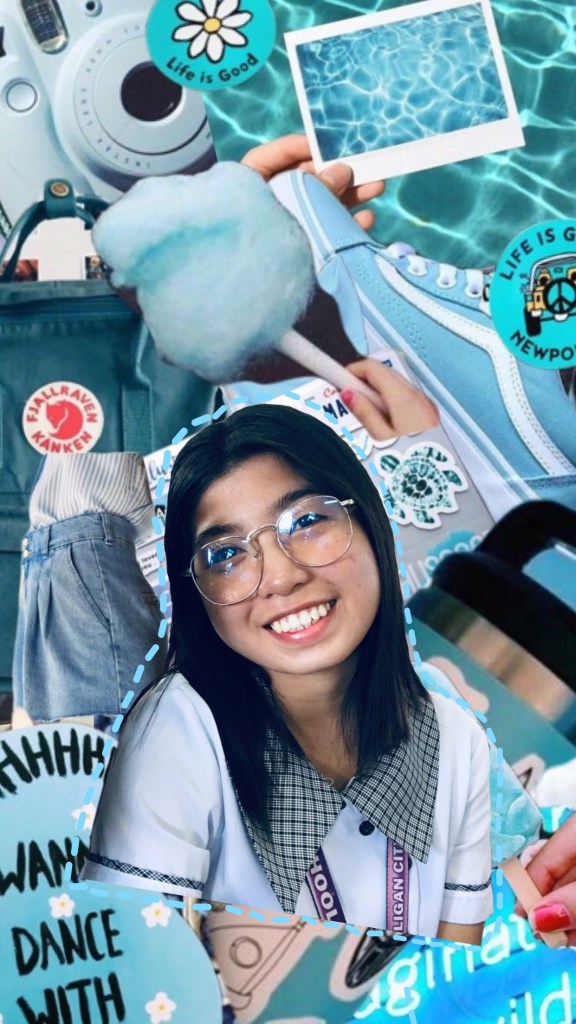
add photo and add the photos of the person, put them wherever you like, press shape crop at the bottom and i done it without a border
STEP 6
Song lyrics/Quotes
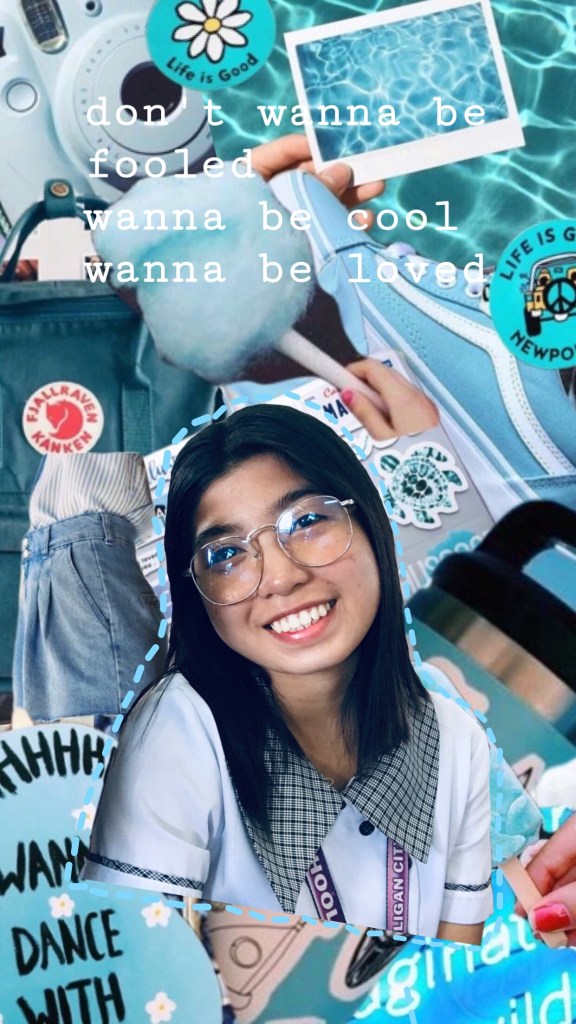
This is the last step, which is optional. Add text again and choose a song lyric or qoute of your choice.
NOW WERE DONE 🙂🙃
 Site Title